Features
Projects
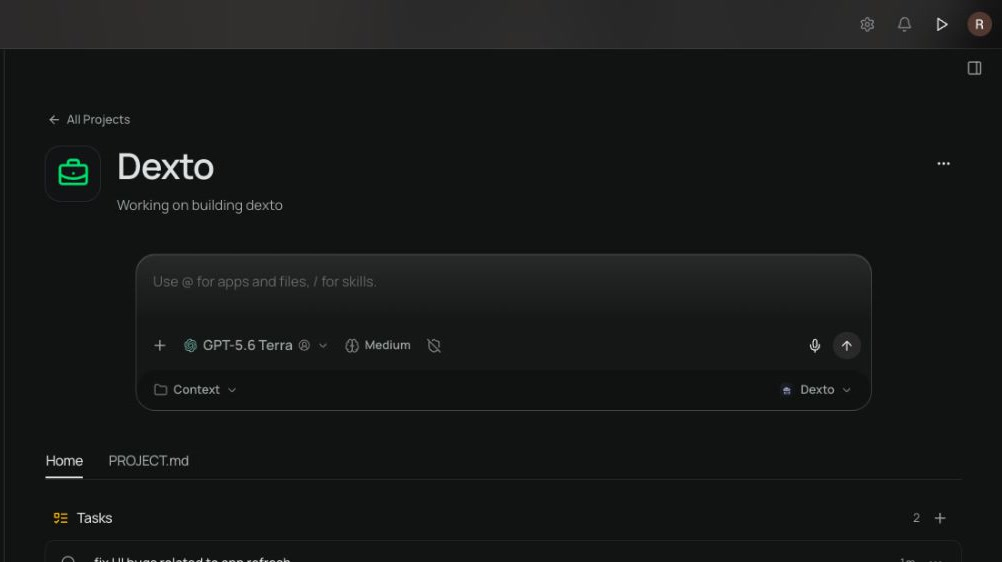
Keep ongoing work, conversations, and files together.A project is a way to group related work.
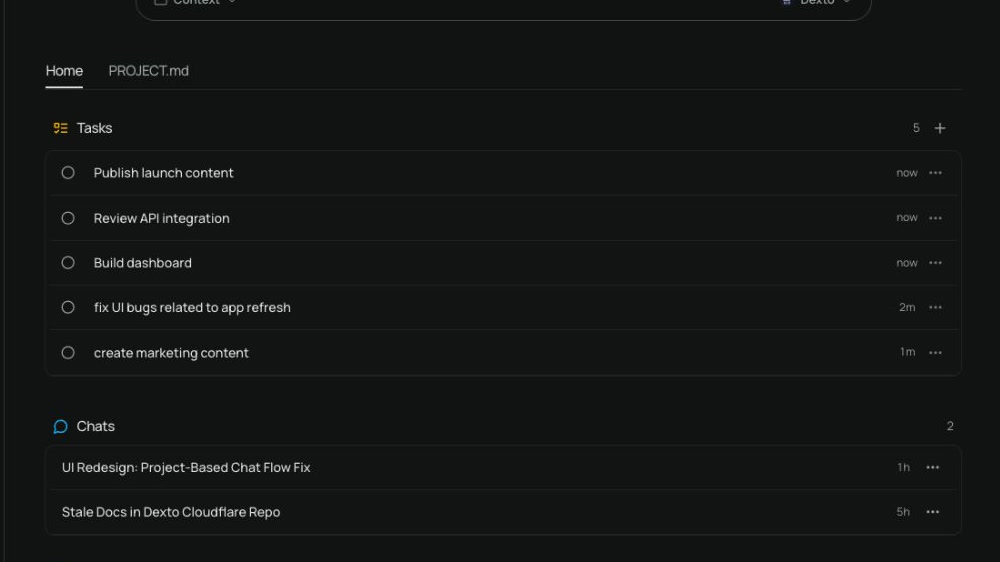
Every project has a folder on your desktop, plus the tasks, chats, and loops that belong to the work. Agents working in the project start in its folder.
Projects include:
- a name, description, and icon—the description is the short summary every project chat starts with;
- a folder,
Projects/<project name>by default, that holds the project’s files; - tasks that are common in the project—agents will manage these;
- chats that belong to the project; and
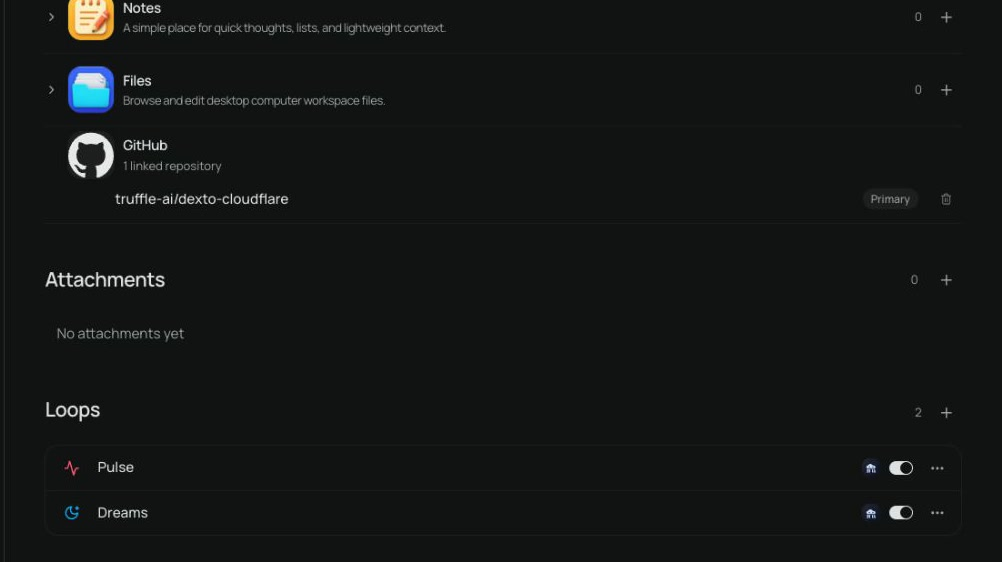
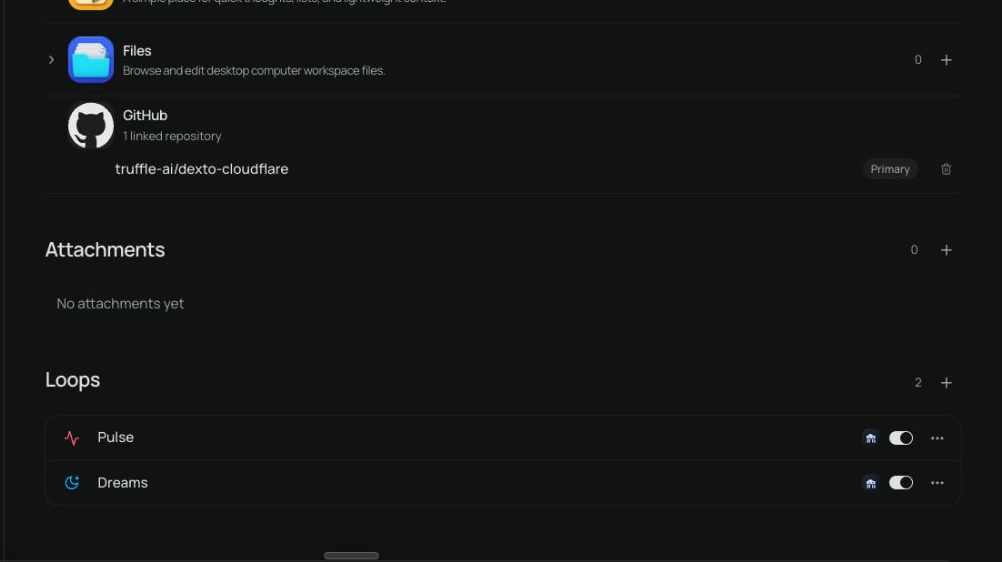
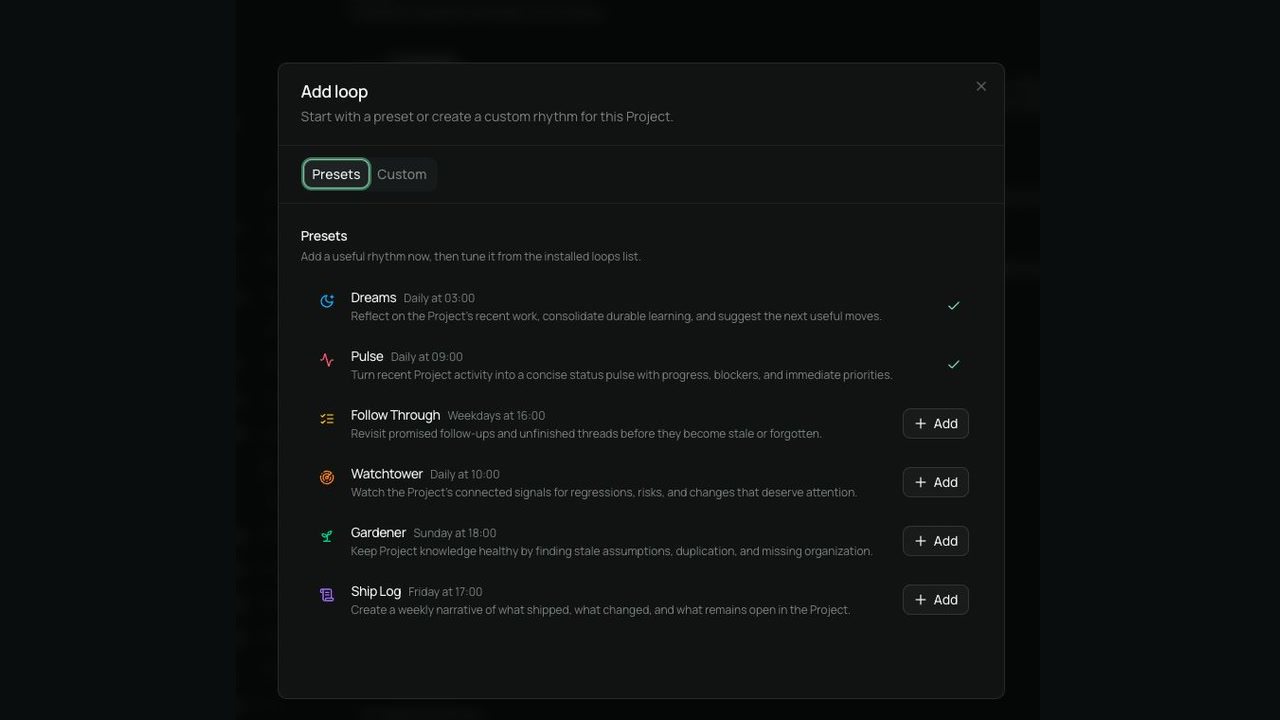
- optional loops that run repeatedly on a custom schedule.
The project folder
Section titled “The project folder”The project’s Overview shows its folder like a repository page: its files and folders, with the
folder’s README.md below them. Open a
folder to look inside it, open a file to preview or download it, and use Upload (or drop files
on the list) to add files. The folder’s path sits under the project name; choose Change there
to point the project at a different folder on your desktop. Renaming a project
doesn’t move its folder.
Use the folder to shape how agents work in the project:
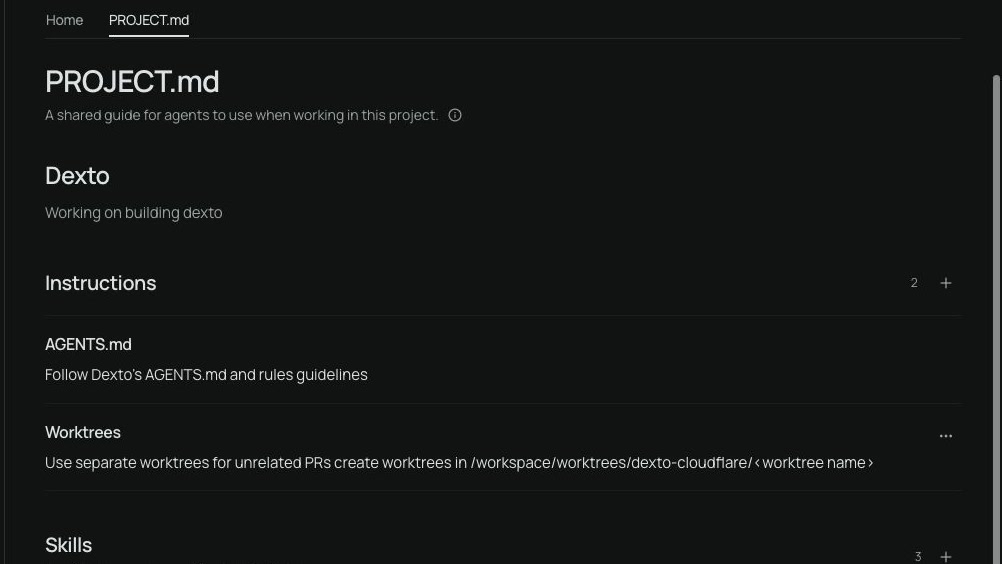
- put instructions for agents in
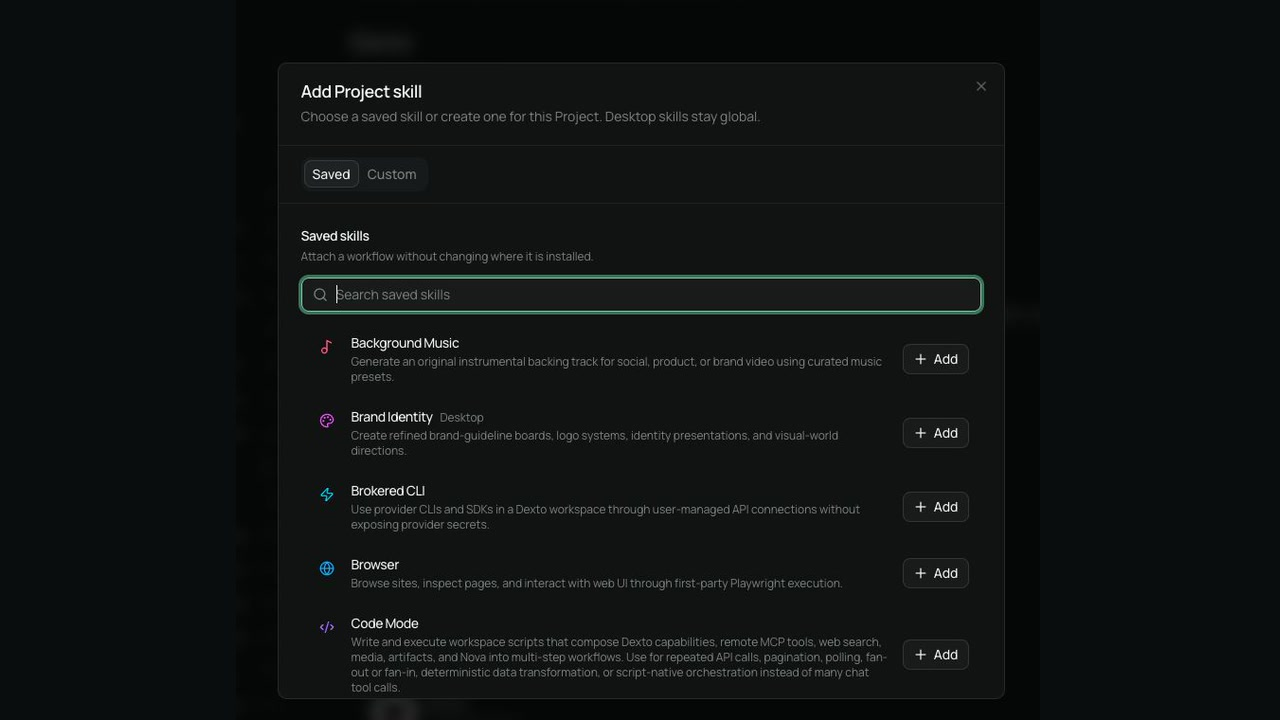
AGENTS.mdat the top of the folder; and - add skills for this project to the folder’s
.agents/skillsfolder.
Opening a project’s Overview may start your computer so the folder can be created and listed.
The project coordinator
Section titled “The project coordinator”Every project has a coordinator: the agent in the project’s own conversation. Give it a goal and it breaks the work into tasks, starts chats to do them, and keeps the work moving as they finish. It handles what it can itself and brings you one decision at a time, with what it recommends.
Work that belongs to another of your projects goes to that project’s coordinator. A coordinator looks at your other projects only in a turn you started in its conversation.
Sharing work between chats
Section titled “Sharing work between chats”A project also keeps files in Drive, under the project’s name. Its coordinator and chats use them to
share notes and data without a computer, such as the handoff a chat writes when it starts a new
project. Notes meant for one handoff are cleared once they’re used; lasting instructions go in
AGENTS.md.